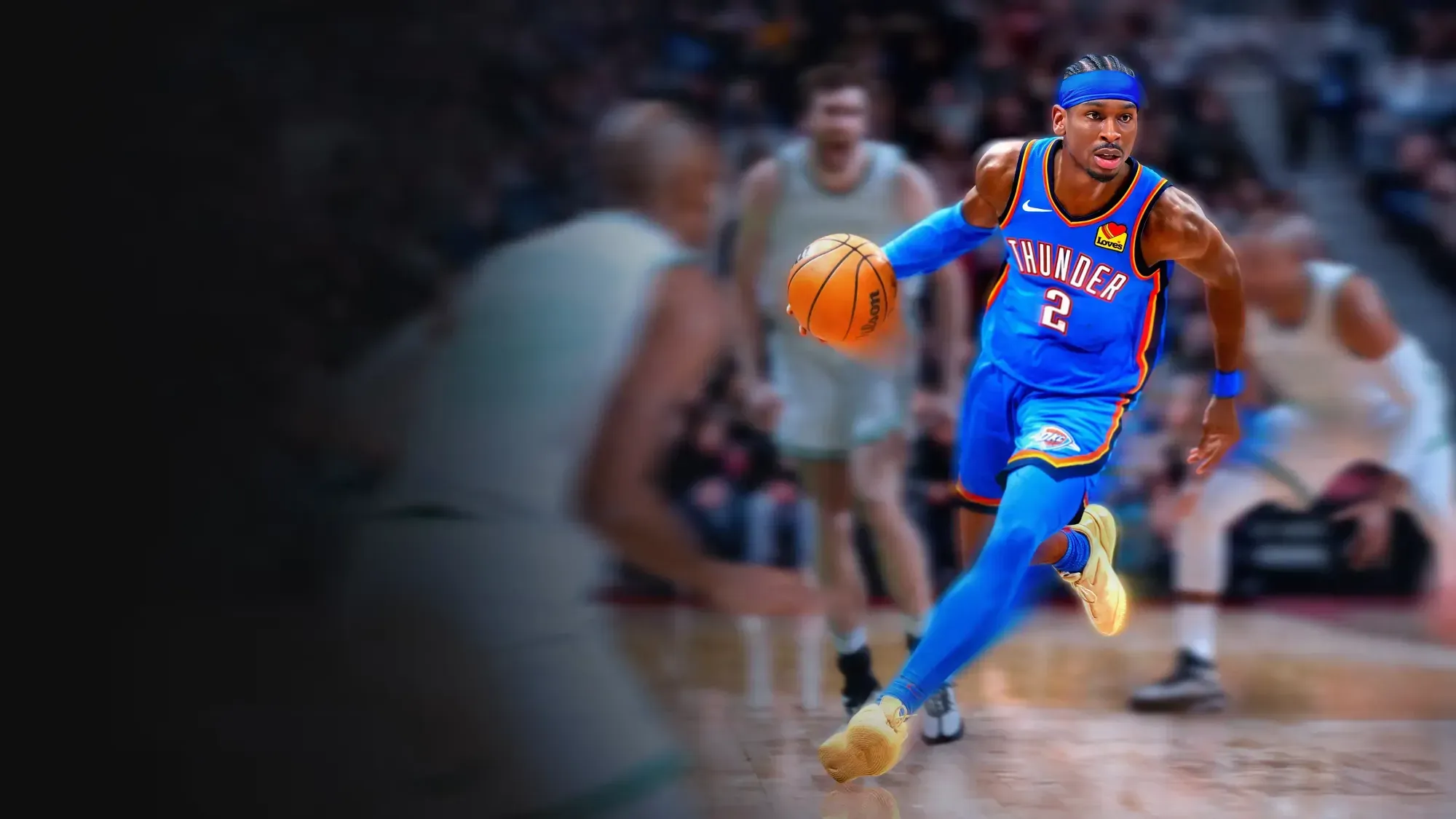
AVENGED LEGENDARY —
USER GUIDE
By: Avenged Zen
Overview
Avenged Legendary is a complete enhancement script that improves
shooting, dribbling, and defensive precision while giving players full
control through an OLED-based menu.
Every feature can be toggled or fine-tuned in real time without leaving the
game. The script also includes persistent memory saving, so your
settings are remembered even after you disconnect your Zen.
Quick Start
1. Load the script and connect your controller.
2. On startup, a white loading screen appears with “Avenged /
Legendary” text in black.
3. Open the OLED menu anytime by holding L2 + pressing OPTIONS.
4. Navigate pages using D-Pad LEFT/RIGHT.
5. Adjust or toggle options using D-Pad UP/DOWN.
6. Exit the menu with CIRCLE.
Most-used defaults:
Auto Rhythm: ON
Turbo Mode: Hop Jumper
Auto-Green: ON
Quickstop Mode: AUTO
Defense Assist: ON
📺 Menu Navigation & Color Indicators
LEFT / RIGHT → Change pages
UP / DOWN → Toggle or adjust values
LED Colors:
🟢 Green → Feature ON
🔴 Red → Feature OFF
🌸 Pink → Adjustable value page (MS timing, speed, etc.)
Total Pages: 12
All settings are saved automatically to SPVAR and reload at startup.
MENU PAGES 1–12
1️⃣ Button Rhythm (Auto Rhythm)
Function: Automatically flicks the right stick to perform a perfect
jump shot rhythm when pressing SQUARE.
Details:
If Turbo (R2) is held → Uses the “Turbo Fade” (reverse) path.
If Turbo is not held → Uses standard (down-to-up) rhythm.
Default: ON
Menu Label: “Button Rhythm”
2️⃣ Tempo Speed (MS)
Adjustable Range: 5–200 (Default: 59)
Function: Controls the base shot delay for standard rhythm shots.
Lower = faster shot
Higher = slower release
Tip: Adjust by small increments (±1) for timing consistency.
3️⃣ Tempo Fading
Function: Enables fade detection.
How it works: When you hold the Left Stick (LX or LY > 15) for
~50ms during a shot, the script automatically switches to fading
timing.
Default: OFF
Menu Label: “Tempo Fading”
4️⃣ Fading Speed (MS)
Range: 0–300 (Default: 70)
Function: Adjusts shot delay used specifically when fading.
Use case: Tune this when most of your shots involve movement.
5️⃣Auto-Green (Tap Shot)
Function: Performs a full down→up (or reverse) green-release shot
by tapping the stick-click.
Mapped to:
Default: R3
If remapped: L3
Turbo Aware: When R2 is held, uses the reversed (Turbo Fade)
path.
Default: ON
6️⃣Auto-Green Duration (MS)
Range: 100–1000 (Default: 500)
Function: Determines how long the stick is held down during the
first stage of Tap Shot before release.
Tip:
Hold R1 while adjusting to change in ±10ms increments.
Start at 500ms and tweak ±20ms for consistency.
7️⃣ Turbo Shots
Modes:
Hop Jumper: Standard rhythm (down→up).
Turbo Fade: Reverse rhythm (up→down) when R2 is held.
Use case: Perfect for blending moving shots with turbo
acceleration.
8️⃣ RS Shooting
Function: Allows fully manual right-stick shooting.
Behavior:
Flicking RS in any direction (>30%) starts a shot hold timer.
Releasing after ~300ms auto-completes the shot path.
Works directionally: up = reversed shot, down = standard.
Safety: Disabled automatically while holding L2 + R1 / D-Pad /
Options.
Default: OFF
9️⃣ Button Remap
Options:
Left Stick (L3) → Press L3 to simulate SQUARE
Right Stick (R3) → Press R3 to simulate SQUARE
Use case: Adjust based on your dribble hand preference.
Default: Left Stick
🔟 Defense Assist
Function: Improves defensive contests when holding L2 by
boosting the right-stick Y-axis.
Effect: Makes it easier to trigger intense body-ups and shot
contests.
Default: ON
Menu Label: “Defense Boost”
1️⃣1️⃣ Ultra Quick-Stop
Modes:
OFF: No quick-stop logic.
AUTO: Automatically stops when you tap L1 or R1 (Default).
L2: Stops only when L2 is held.
How it works: When RS is neutral, the script zeros LX/LY and taps
L3 briefly for an instant stop into shot rhythm.
Menu Label: “Ultra Quick-Stop”
1️⃣2️⃣Auto Dribble
Function: Adds automated dribble combos mapped to the D-Pad.
Mappings:
D-Pad Right → Combo chain
D-Pad Left → Alternate combo
D-Pad Up → Behind-the-back / momentum variant
D-Pad Down → Escape / spin variant
Note: D-Pad inputs are blocked while combos are active.
Default: OFF
Menu Label: “Auto Dribble”
Defaults Summary
Setting Default
Auto Rhythm ON
Rhythm Fading OFF
Tempo Speed 59 ms
Fading Speed 70 ms
Contested Speed 80 ms
Auto-Green ON
Tap Shot Duration 500 ms
Turbo Mode Hop Jumper
RS Shooting OFF
Button Remap L3
Defense Assist ON
Quickstop AUTO
Auto Dribble OFF
Control Reference
Action Input
Open Menu L2 + OPTIONS
Navigate D-Pad LEFT / RIGHT
Toggle or Adjust D-Pad UP / DOWN
Exit Menu CIRCLE
Rhythm Shoot SQUARE
Tap Shot R3 (default) or L3 (if remapped)
Turbo Fade Hold R2
Quick-Stop Tap L1/R1 (or hold L2 in L2 mode)
Troubleshooting & Optimization
Shots Early/Late?
Increase or decrease Tempo Speed (Page 2).
For moving jumpers, adjust Fading Speed (Page 4).
Check if R2 (Turbo) is held — it changes the rhythm path.
Tap Shot Inconsistent?
Fine-tune Tap Shot Duration (Page 6) by ±10–20ms.
RS Shooting Conflicts?
Disable RS Shooting (Page 8) or use L2 + D-Pad to override it.
Defense Too Strong or Sticky?
Turn off Defense Assist (Page 10) or ease off L2 pressure below
50%.
Quick-Stop Not Triggering?
Make sure RS is centered.
Tap L1/R1 (AUTO mode) or hold L2 (L2 mode).